I discovered this very cool free software program over the weekend. I’m no artist but I think I could create great looking 3-D objects with this program.
Sketch Up 8
Reply

I’m excited to be working with mobile technology again in this class. So far it has been reading about trends and exciting projects that are possible and that are being done by others. That’s okay. It is a baseline for what we need to know and where we are. I’m excited about the text for this class: Educational Technology for School Leaders by Lynne Schrum.
With every class, I get more and more resources to check and to help keep me current. 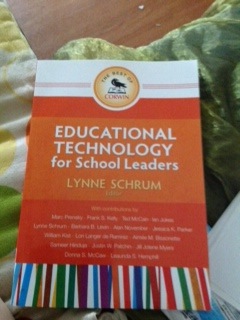
The instructor of this class is Michael Hoy and he works for Apple Education.
I discovered Hype this morning as I was investigating iAuthor to create iBooks. It costs about $50.00. It creates HTML5 files to insert into your books to make them interactive. This is a very basic project. I added images and animated only a little. I added a video. I added sound. I had trouble using the built-in dictation feature so used insert video to add mp3 files I created on Audacity and that seemed to work. There are many features surrounding the images that I didn’t bother with and I certainly didn’t explore the animation options much.
I can see using this often to create exciting iBooks for my students or even having them create their own iBooks using my Macbook Pro.
Here is the link. I hope it works for you. You don’t have to be a dropbox user to see it.
https://dl.dropbox.com/u/98074816/Hype%20Summer/Hype%20Summer.html
Why people movehttp://paulhami.edublogs.org/2011/12/17/idea-sketch-free-basic-and-effective-mind-mapping-tool-for-ipad-and-iphone/
Here is the site that explains what all idea sketch can do. I worked on it to create a very simple project that isn’t finished this snapshot will show you what it can do.
So first I create the concept map or whatever you want to call it. I connect smaller ideas to larger ones. It looks like this:
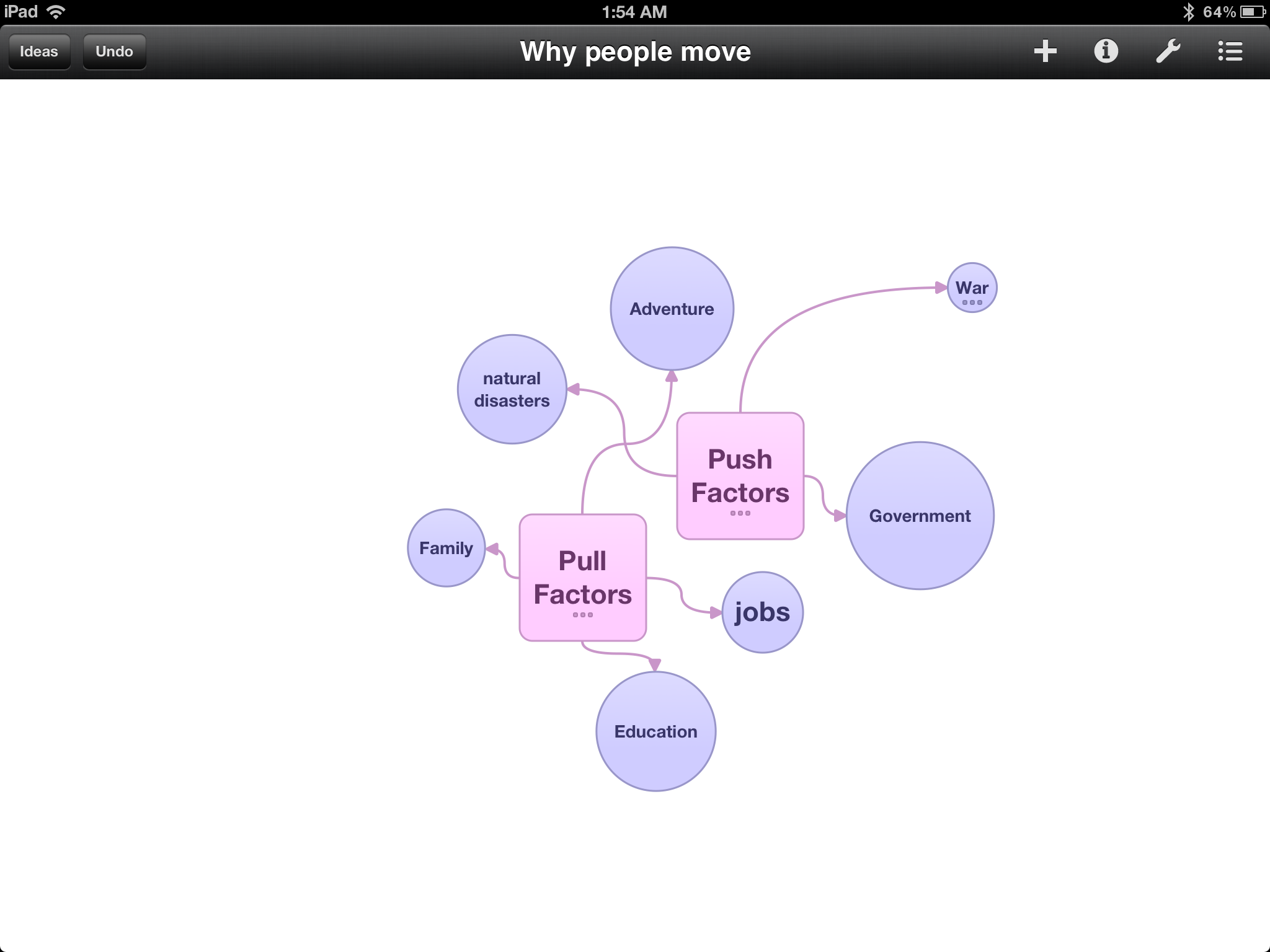
Then you click on the outline button and it creates the outline for you.
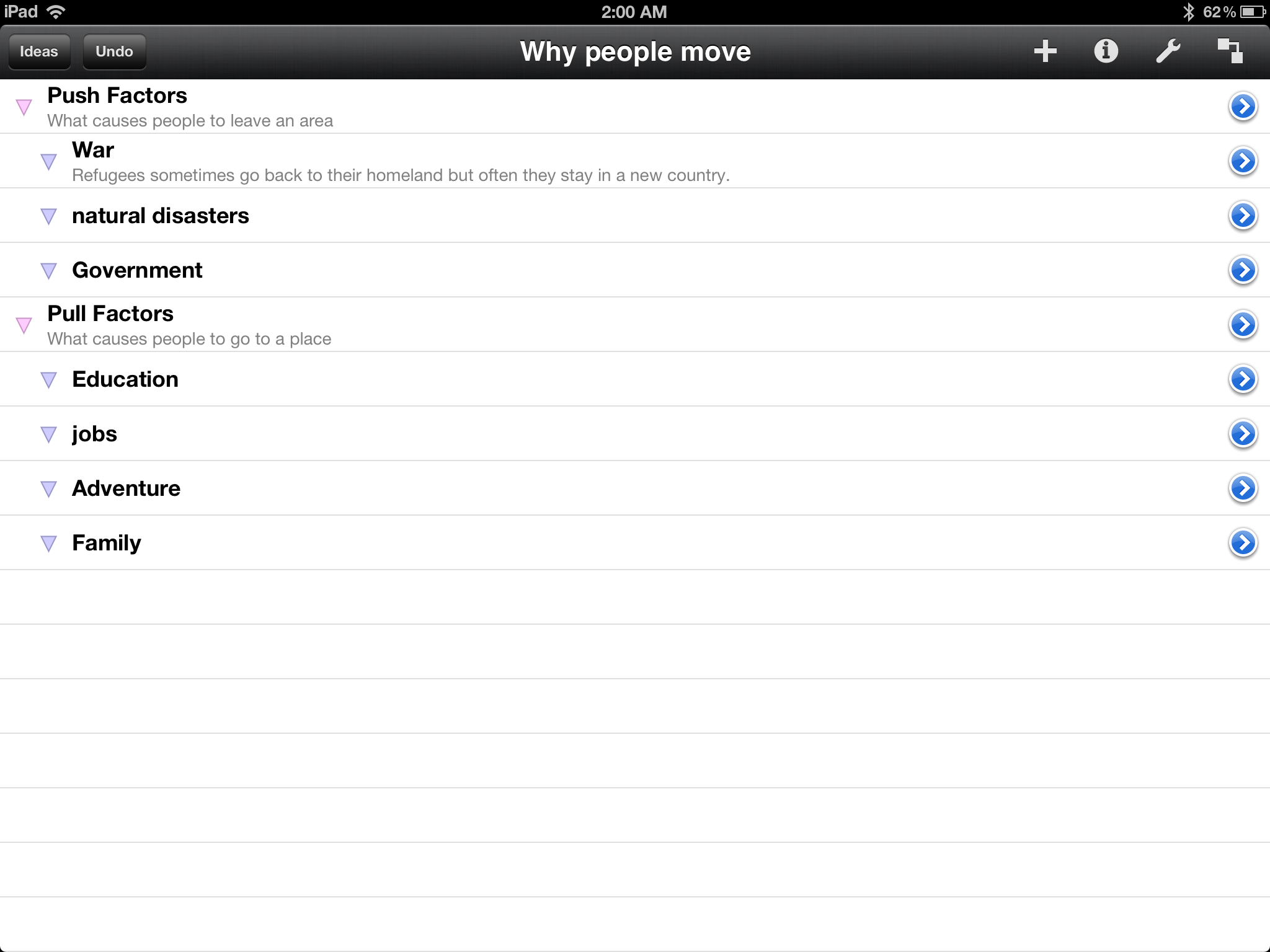
You can toggle back and forth between the concept map and the outline. You can add notes of descriptions to each shape as well.
Just today I used this app to try to understand my air con remote which is written in Chinese characters. So between Google Translate, a great website where someone tried to translate the remote, and Skitch, I figured out some of the controls. Trouble is, the AC is still not cooling. Here is what I did. I took a picture of the remote, and then used Skitch to write in the English translation. I printed the picture with the annotations from Skitch to leave beside my remote. This should help me, especially once the AC is working!
Scan the QR code and give me your input about mobile phones. Thanks in advance.

You can see in this picture old and new technology. My brand new iPad and my six year old Nokia phone. (I also have a one year old MacBook Pro.) I’m considering buying a new phone but thought I might wait and see what the new iPhone 5 (or whatever they call it) has to offer. I like having unlocked phones so I can use it in the US and Taipei but an unlocked iPhone is cost prohibitive. Stay tuned to see if I bite the bullet on a new phone.
 Logo-phi-lia